
Analyse 1
Spectrogram, Performance and Brand
Spectrogram
Section titled “Spectrogram”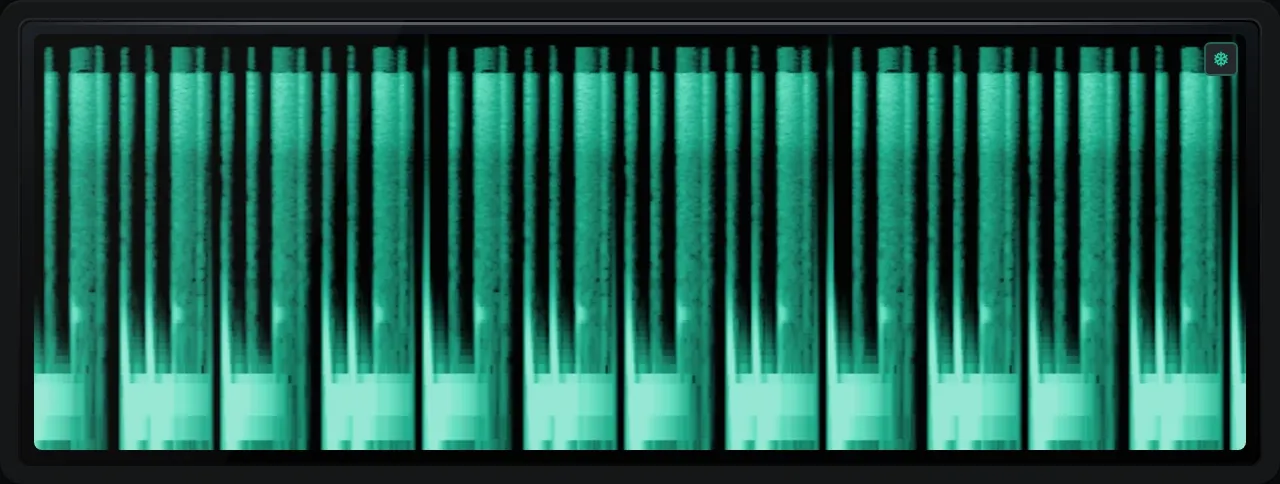
The spectrogram: newest on the right, low notes at the bottom, brighter for louder.
The spectrum over time, as a scrolling waterfall. It catches resonances, ringing tails and noise that flash past too quickly for the spectrum. Hover to read the frequency, note, level and how long ago that moment was. It records only while the panel is on screen, so time with the panel hidden shows as a gap.
Performance
Section titled “Performance”How hard REAPER is working: CPU use, with a meter that turns orange and red when things get busy, the output latency of your audio device, and its sample rate. Every reading in Analyse 1 depends on that rate, so check it first if a reading ever looks wrong.
The product name, version and build date you are running. If you get in touch about a problem, the version and build date shown here are the most helpful thing to send. Hide it from the menu if you would rather have the room.